Leave managementLeave that routes itself to the right desk and never lets anyone approve their own.
Staff and parents apply in a few taps. Requests follow the school's approval hierarchy, balances and holidays are applied automatically, and every decision is recorded.
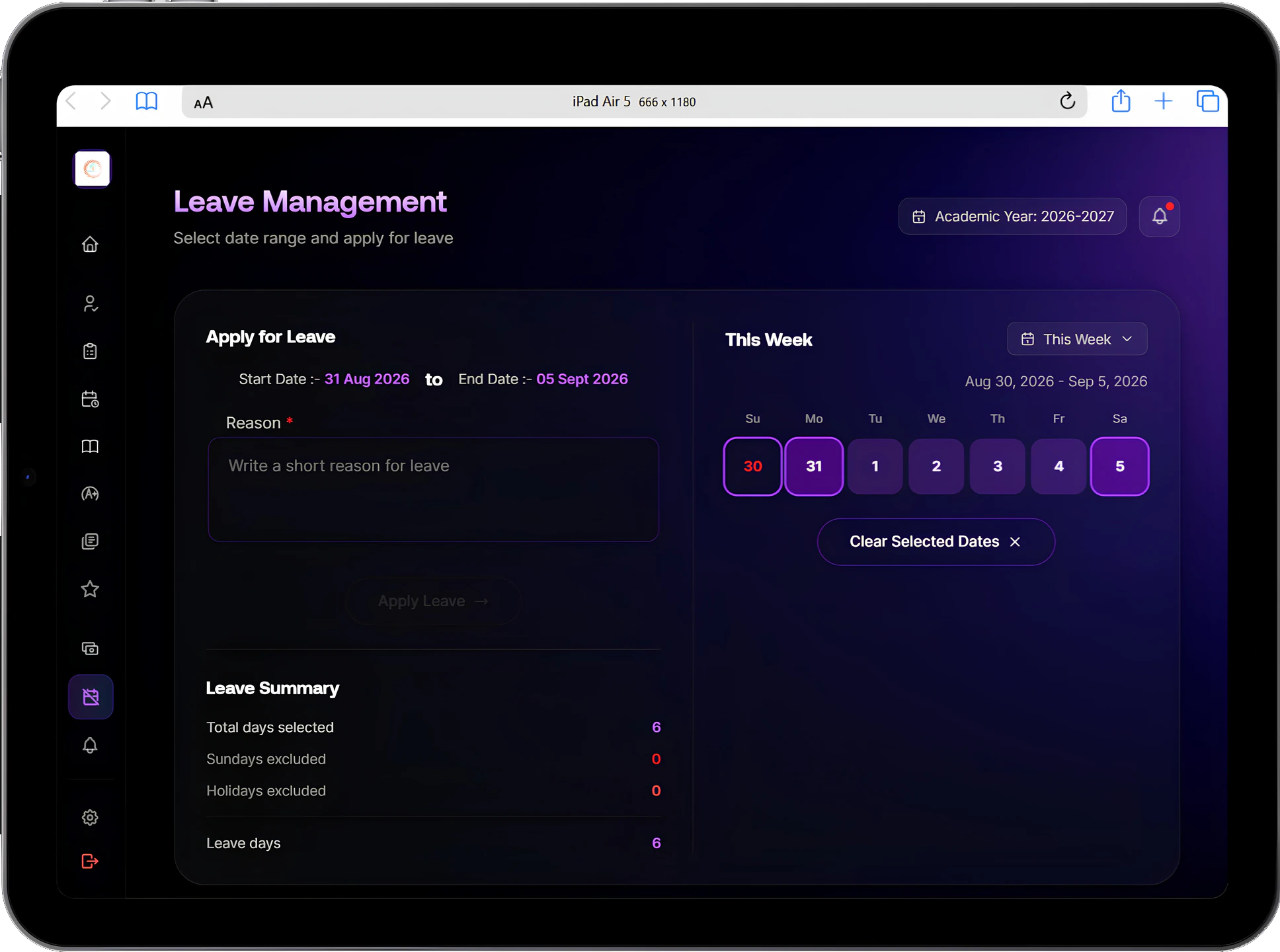
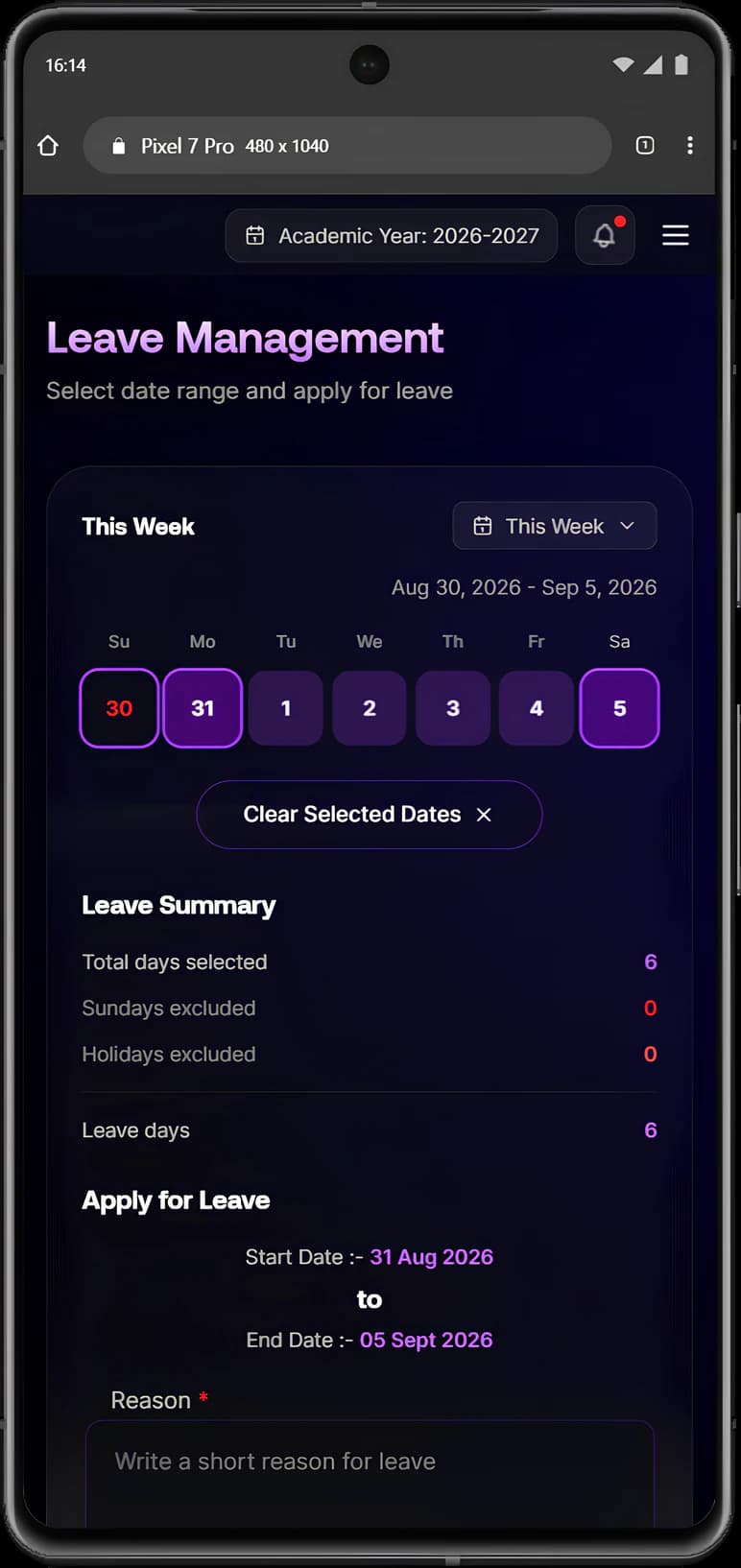
What it handles
Inside Leave management.
Apply in a few taps
Pick the leave type, the dates and the reason. There is no form to collect and no signature to chase across the staffroom.
The right approver, automatically
A teacher's leave goes to the Vice Principal or Principal; the Principal's goes to the Chairman. Nothing waits in the inbox of someone who cannot decide it.
No self-approval
A Vice Principal with both a teaching login and an admin login still cannot approve their own application. The system knows both accounts belong to one person.
Your leave types and entitlements
Casual, sick, earned, maternity or duty leave, each with its own yearly entitlement. Change who approves what without calling support.
Balances everyone can see
Staff check their own balance before applying, and the office sees the whole school's at once.
Entitlements in bulk
Set a year's allowance for a department or for all staff in one step instead of one person at a time.
Holidays respected
Declared holidays and weekends are not counted against anyone's leave, so a week spanning a festival does not use extra days.
No double approvals
If two approvers open the same request at the same moment, the second is told it is already being handled.
Every decision on record
Who applied, who approved or declined, when and why, kept for each request and ready if a question comes up months later.
Student leave as well
Parents apply for their child from the portal. The class teacher reviews it and the day is marked correctly instead of counting as an absence.
Overrides that stay visible
Senior leadership can override or reopen a decision made in error, and the override itself is recorded.
Connected modules
Where this work continues.
See Leave management in a walkthrough.
Tell us how your institution runs today. We will walk you through the parts of Manecia ERP that matter to your teams.
Or call +91 82182 20929