TimetableBuild the school week once. Everyone gets their own copy of it.
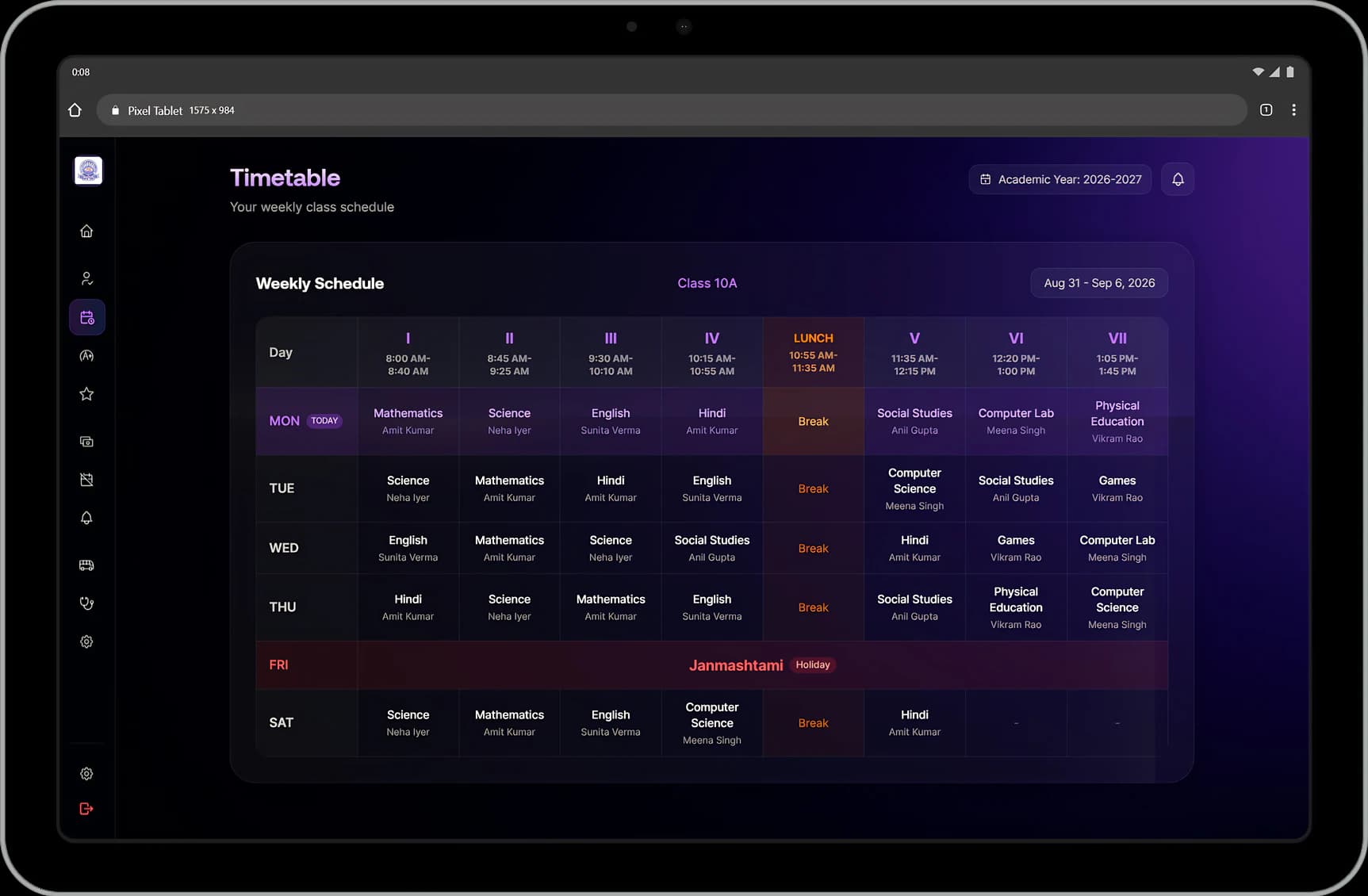
Set the bell schedule and the working week, fill the grid with qualified teachers and let conflict checks stop double-bookings. Substitutions leave the base timetable intact, and every teacher, student and parent sees the week that applies to them.
What it handles
Inside Timetable.
Periods from the bell schedule
Enter the start time, period length, number of periods and where lunch falls, and the day is laid out for you instead of typed row by row.
Your working week
Six-day weeks, five-day weeks and half-day Saturdays are all set by the school.
No teacher in two rooms
Placing a teacher who is already booked is blocked with a message showing where they are. The same check stops a section getting two subjects in one slot.
Only qualified teachers offered
The timetable knows who can teach what, so a Physics period is not given to the Hindi teacher by mistake.
Breaks and assemblies included
Breaks, assemblies and games are labelled as part of the day, so the printed timetable matches the real one.
Substitutions without rebuilding
Swap a single period on a single date with the reason recorded. The original timetable stays intact underneath.
Every teacher's own day
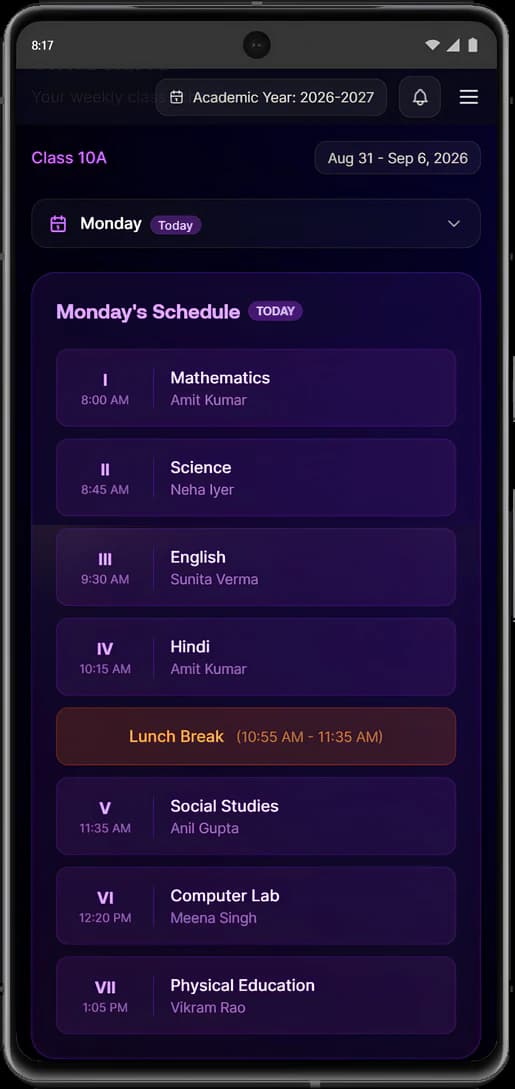
Teachers open their day period by period, with what they teach and where.
The same week for families
Students and parents see the timetable too, so a child knows which books to pack the night before.
Safe when two people edit
If someone changed a slot while you were looking at it, you are told, instead of one person's work silently overwriting another's.
Changes mid-year
Periods, slots and staffing can be adjusted as the year moves, and everyone's view updates at once.
Connected modules
Where this work continues.
See Timetable in a walkthrough.
Tell us how your institution runs today. We will walk you through the parts of Manecia ERP that matter to your teams.
Or call +91 82182 20929