Student, family & teacher portalsThe school day on one screen, for whoever is signing in.
Students, parents and teachers each sign in to a workspace built around their role. Attendance, fees, timetables, results, payslips and leave come from the same records the office works in, so routine questions no longer have to go through the front desk.
What it handles
Inside Student, family & teacher portals.
One screen per person
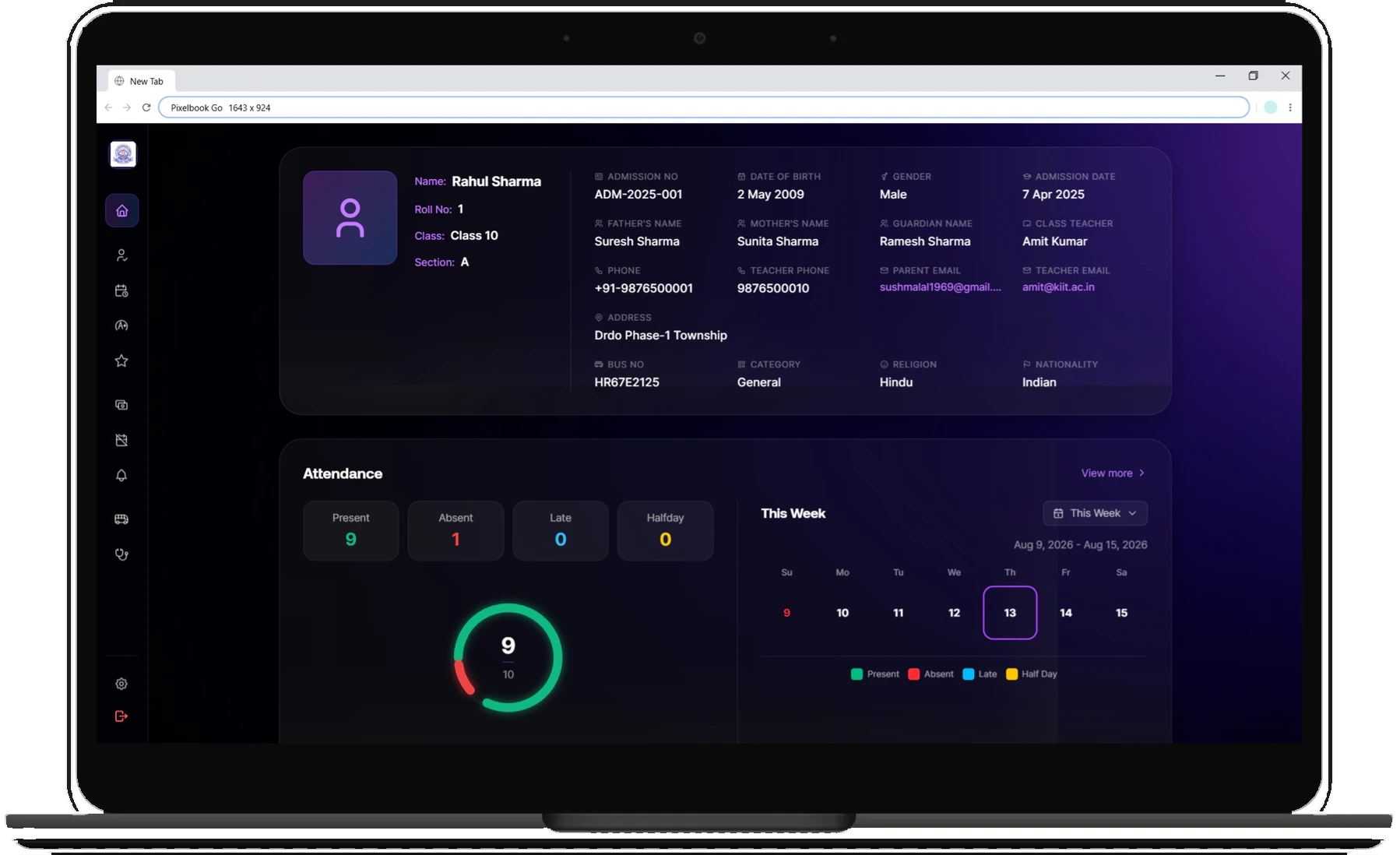
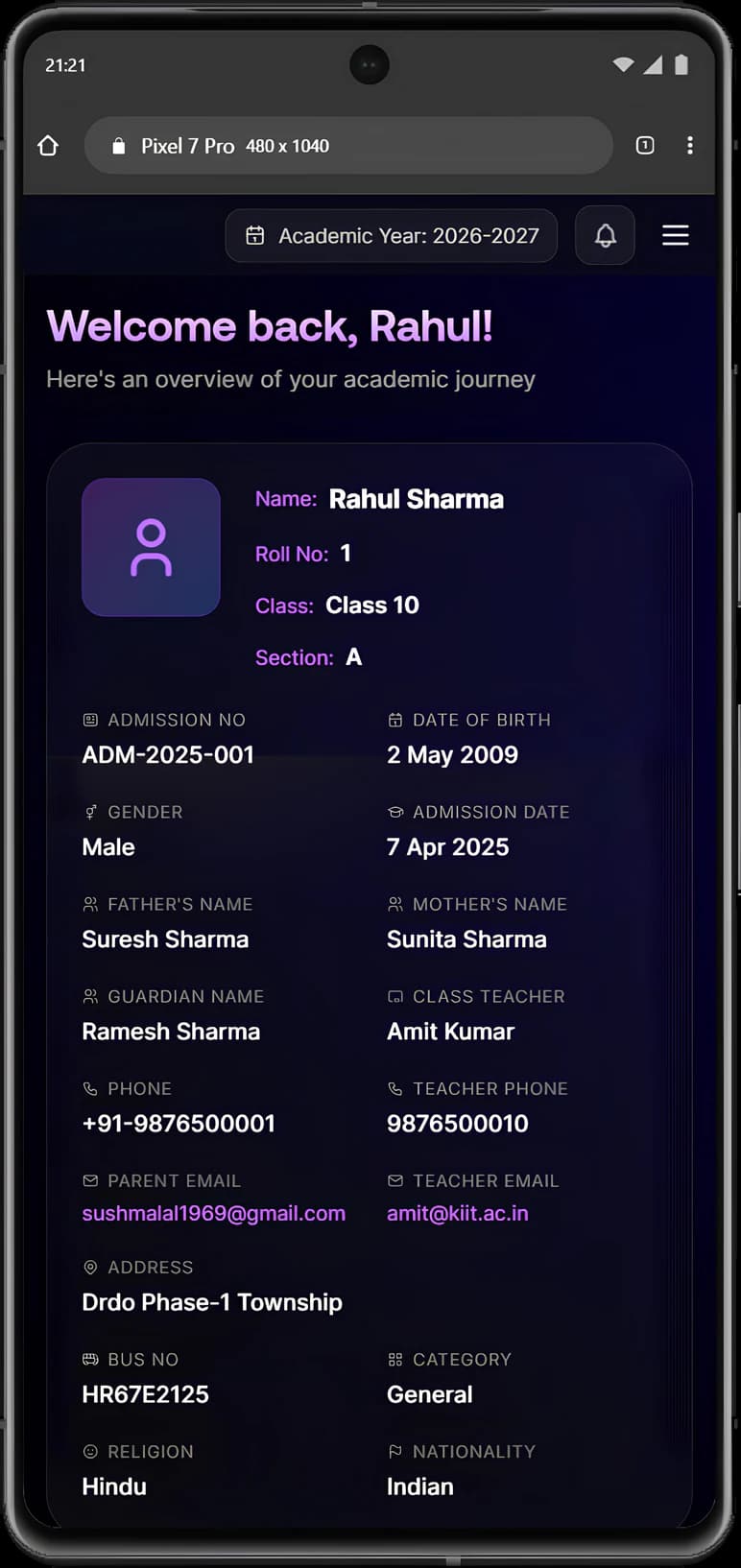
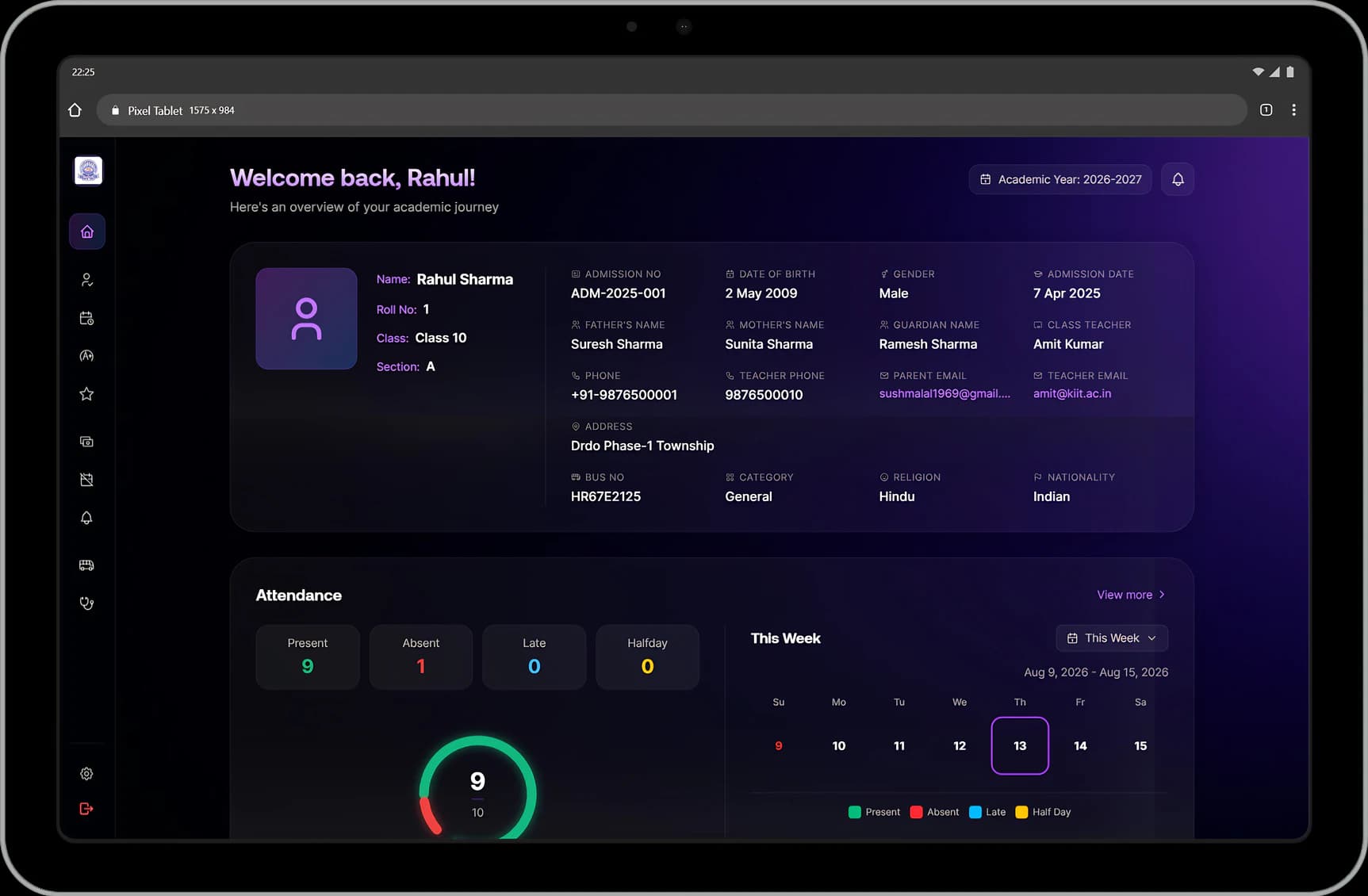
A student opens their attendance, fees and exams. A teacher opens their classes, students and payslip. Nobody works through menus meant for someone else.
Attendance already counted
Students and parents see the percentage, days present and days missed as the register is marked. Teachers see their biometric punches, credited hours and any correction made by the office.
Fees and pay, visible
Parents see fees due, fees paid and the next instalment date, with receipts to download. Teachers see basic pay, each allowance and deduction, and take-home pay for the month.
The day ahead
Students see their timetable and their next exam by name and date. Teachers see today's classes, period by period.
Names, not numbers
Parents see the class teacher's name and phone number, and the bus number, route and driver's number if their child travels by school bus.
Academics in one place
Homework given, submitted and graded; results and report cards for families; marks entry that already knows each teacher's classes and subjects.
Leave in a few taps
Requests go to the person entitled to approve them, and the decision and the reason come straight back.
Notices with acknowledgements
Notices reach the right people and acknowledgements are recorded, so the office is not chasing replies on messaging apps.
Health details on hand
Blood group, allergies and emergency contacts are on screen rather than in a filing cabinet.
One login for the family
Parents sign in as their child. There is no separate app to install and no extra password to remember.
Connected modules
Where this work continues.
See Student, family & teacher portals in a walkthrough.
Tell us how your institution runs today. We will walk you through the parts of Manecia ERP that matter to your teams.
Or call +91 82182 20929